
Global Add Task Keyboard Shortcut
Add new tasks to Sunsama without opening the Sunsama app by using a global keyboard shortcut.
Add tasks to Sunsama without interrupting what you’re currently looking at on your computer.
Walkthrough
How to use
Install the desktop app
You must have the desktop app installed and running in the background in order to use global keyboard shortcuts .
Use the keyboard shortcut
Hit Cmd Shift A (or Ctrl Shift A on Windows/Linux) to pull up the global add task window. The task is added to today. Type in the task and use the same directives as the add task window: # for channel, ~ for planned time, @ for start date, ! for priority and $ for a weekly objective. You can also paste a link to a task from a connected tool.
Entersaves the task and takes you back to the app you were in.Cmd/Ctrl Entersaves it and opens it in the main Sunsama window.Esccloses the window without saving.
You can also choose Create new task from the Sunsama menu bar or tray icon.
Adjust key bind
If the default shortcut conflicts with other shortcuts you use, change the key bind from your account settings page. You can also disable the global keyboard shortcut entirely from there. The timer (Cmd/Ctrl Shift Space) and focus bar (Cmd/Ctrl Shift F, off by default) global shortcuts are in the same place.
Troubleshooting
- If you’re pressing the key bind but not seeing the add task window appear, make sure the desktop app is running, and update it if it’s out of date.
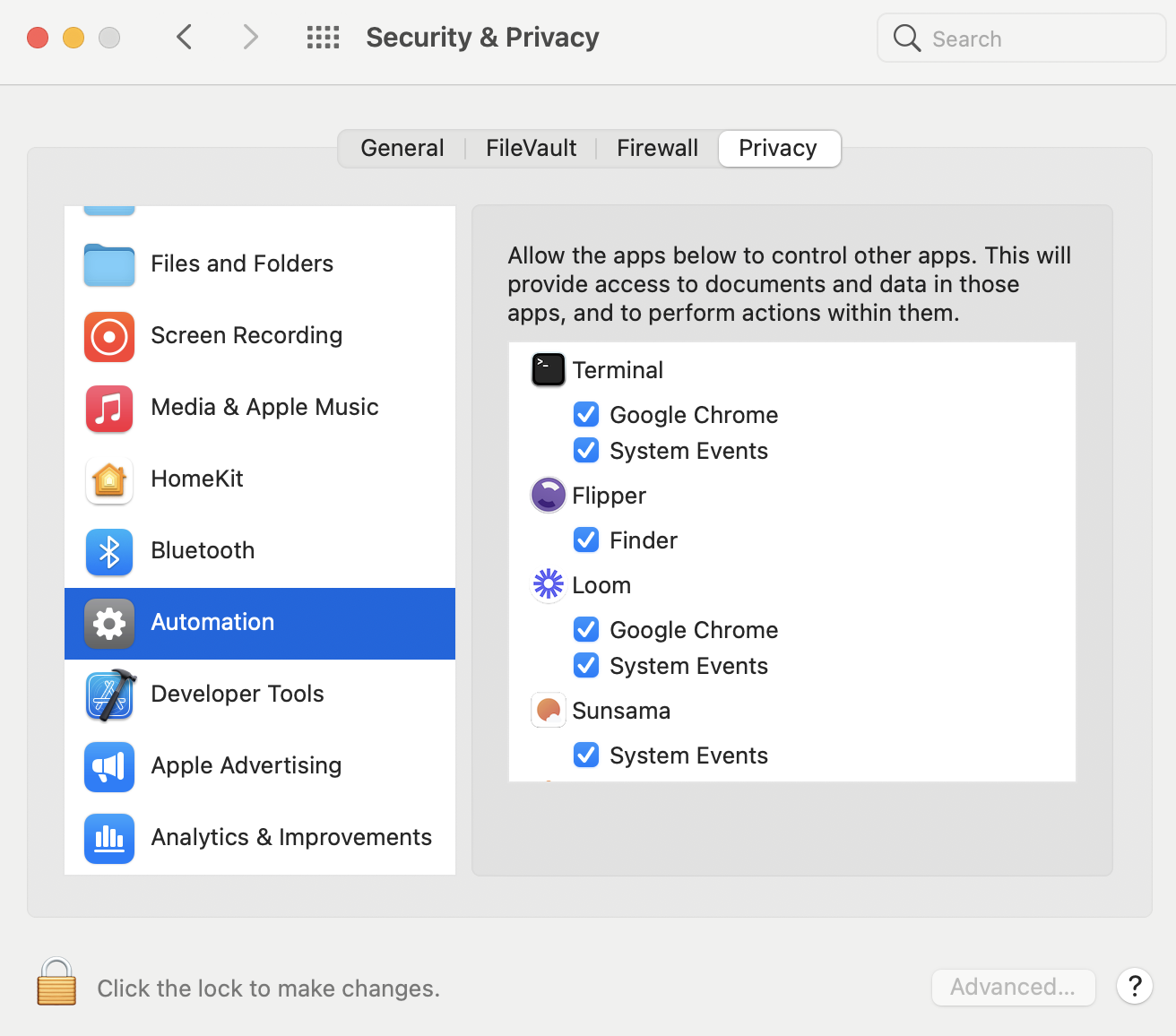
- If you’re on macOS, and it takes you an extra click to focus on the application you had open before adding a task, you need to:
- Make sure you’ve granted Sunsama permission to access “System Events”. To do this manually, open Security & Privacy > Automation and check the System Events box under Sunsama.
Best practices
Quickly import an integrated or linked task using URL
Combine the global add task shortcut with the Add via URL method, and you can create linked/integrated tasks from practically any website or tool on your computer with ease.